Two private keys
for your Mac.
Caps Lock becomes ✦ Hyper and right ⌘ becomes ☾ Meh. Hold one and the rest of your keyboard opens apps, arranges windows, and jumps between desktops.
brew install --cask rxmeez/tap/superkeys
Keys you already own.
Finally doing something.
Neither key types, locks, or reaches the app you're in. Everything pressed while one is held is caught, so a mistyped chord never leaks a stray character.
Open any app
Pick a key for each app you use. It opens, or comes forward if it's already running.
Arrange windows
Snap to halves, fill the screen, or lay out up to four windows with one chord.
Jump desktops
Go to any desktop, send a window there, or flip back to the last one.
Any app,
one key.
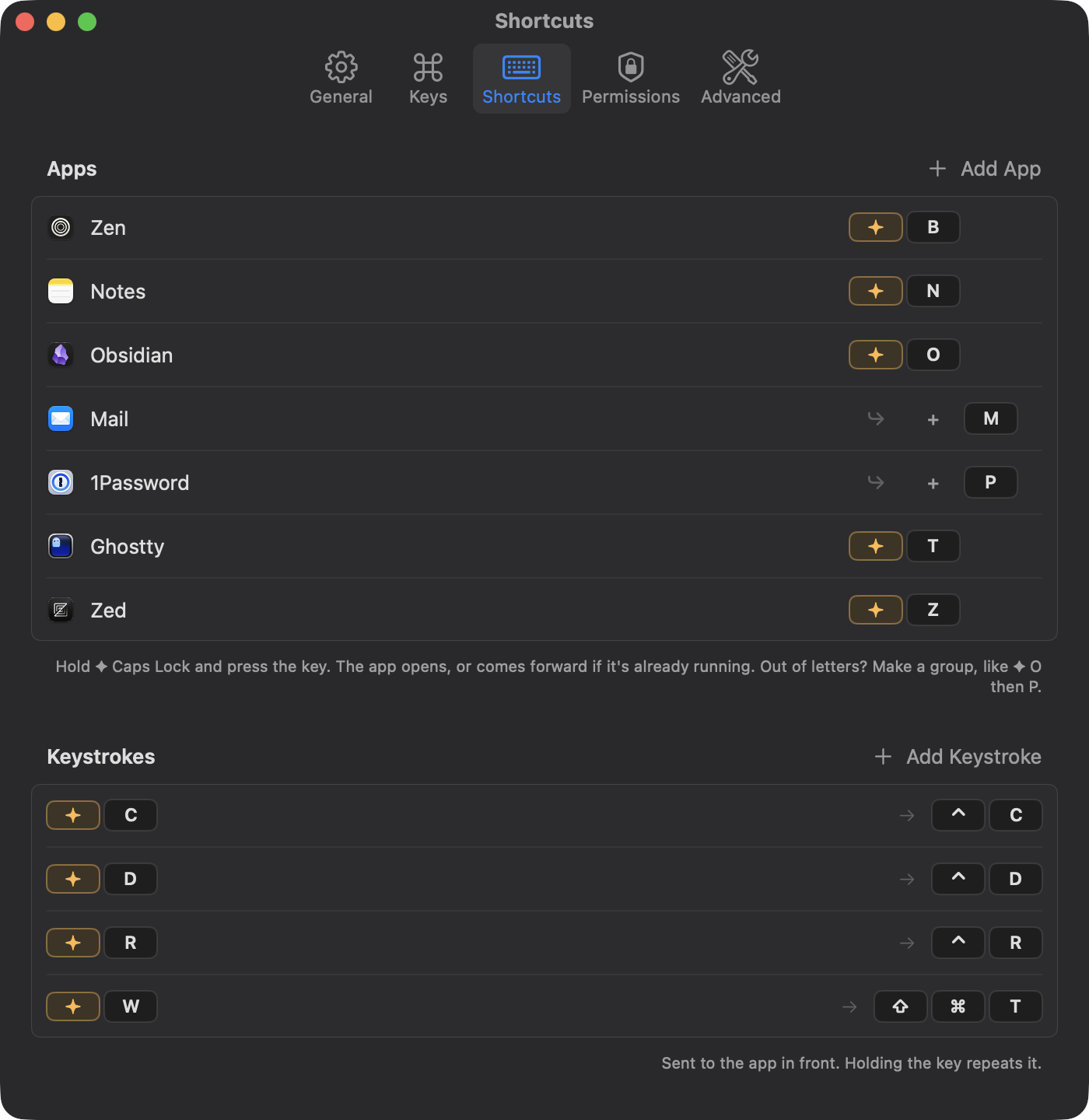
✦ B for your browser, ✦ T for your terminal, ✦ N for notes. Any key you like, set in a second: pick the app, press the key.
Snap it.
Or arrange it all.
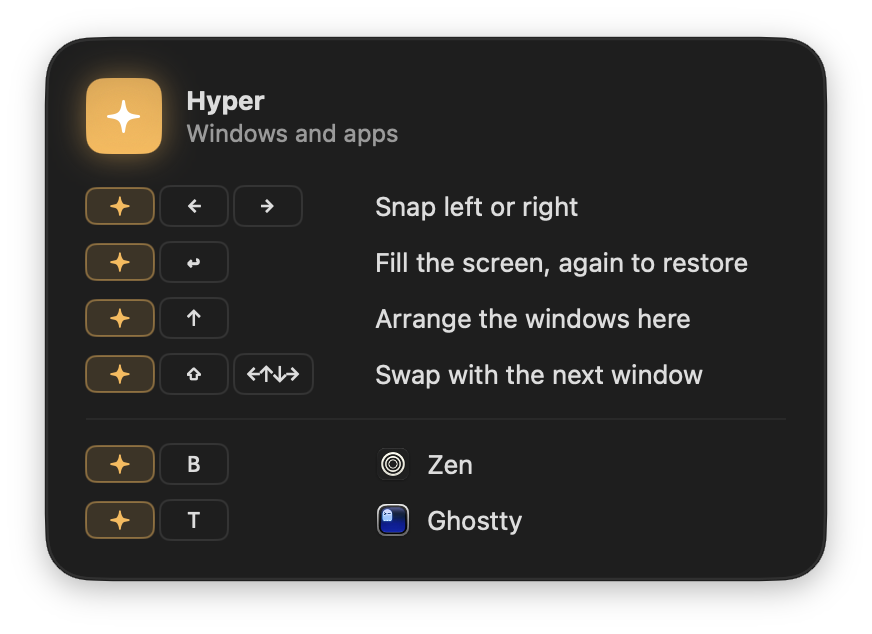
- ←→Snap left or right; again for the next display
- ↩Fill the screen, again to restore
- ↑Arrange up to four windows, again to undo
- ⇧←↑↓→Swap with the window next to it
The window you're in always takes the big slot. It only arranges when you ask: new windows are never tiled behind your back.
Every desktop,
one key away.
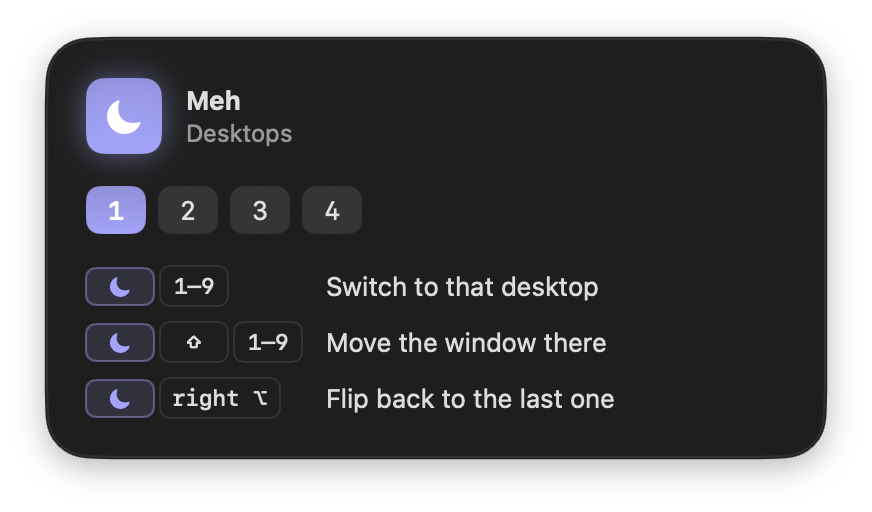
- 1–9Switch to that desktop
- ⇧1–9Move the window there and follow it
- right ⌥Flip back to the previous desktop
Desktops that don't exist yet are created for you.
Forgot a chord?
Just hold.
Hold ✦ or ☾ for a moment and a glass panel shows everything that key does, including your own app keys. Let go and it's gone. It never takes focus.
It stays out of the way.
Keystrokes kept
Keys pass straight through unless ✦ or ☾ is held. Nothing is recorded.
Request a day
A check of superkeys.space for updates, sending nothing but the version. No analytics, no accounts. Turn it off in Settings.
Idle CPU
No timers or polling. It wakes only when you press a key.
To snap a window
Native Swift, AppKit and the Accessibility API. No Electron, no scripting layer.
Superkeys
Two private keys for your Mac. Free, for macOS 14 and later.